Overview of the ChatGPT Desktop App
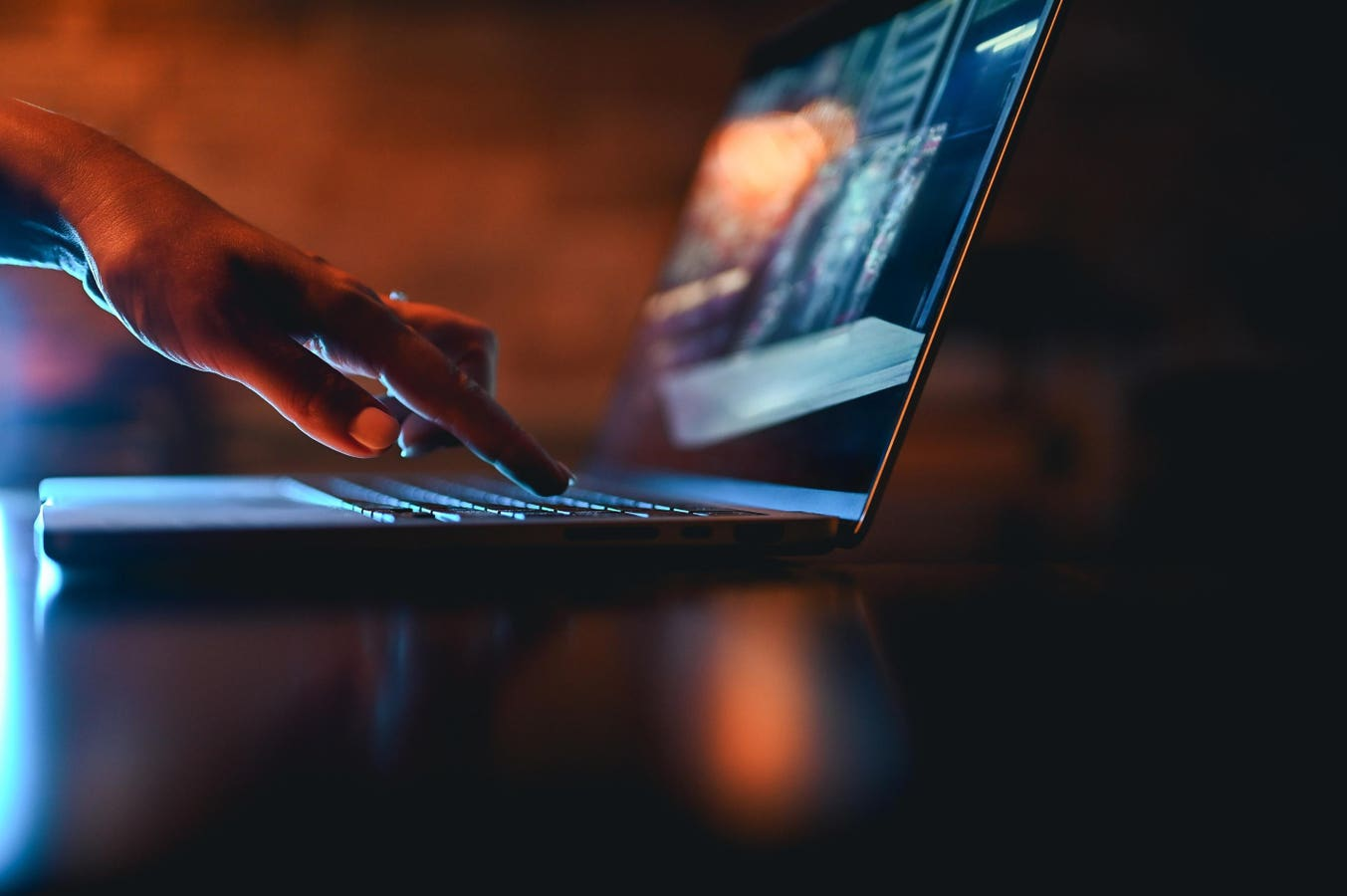
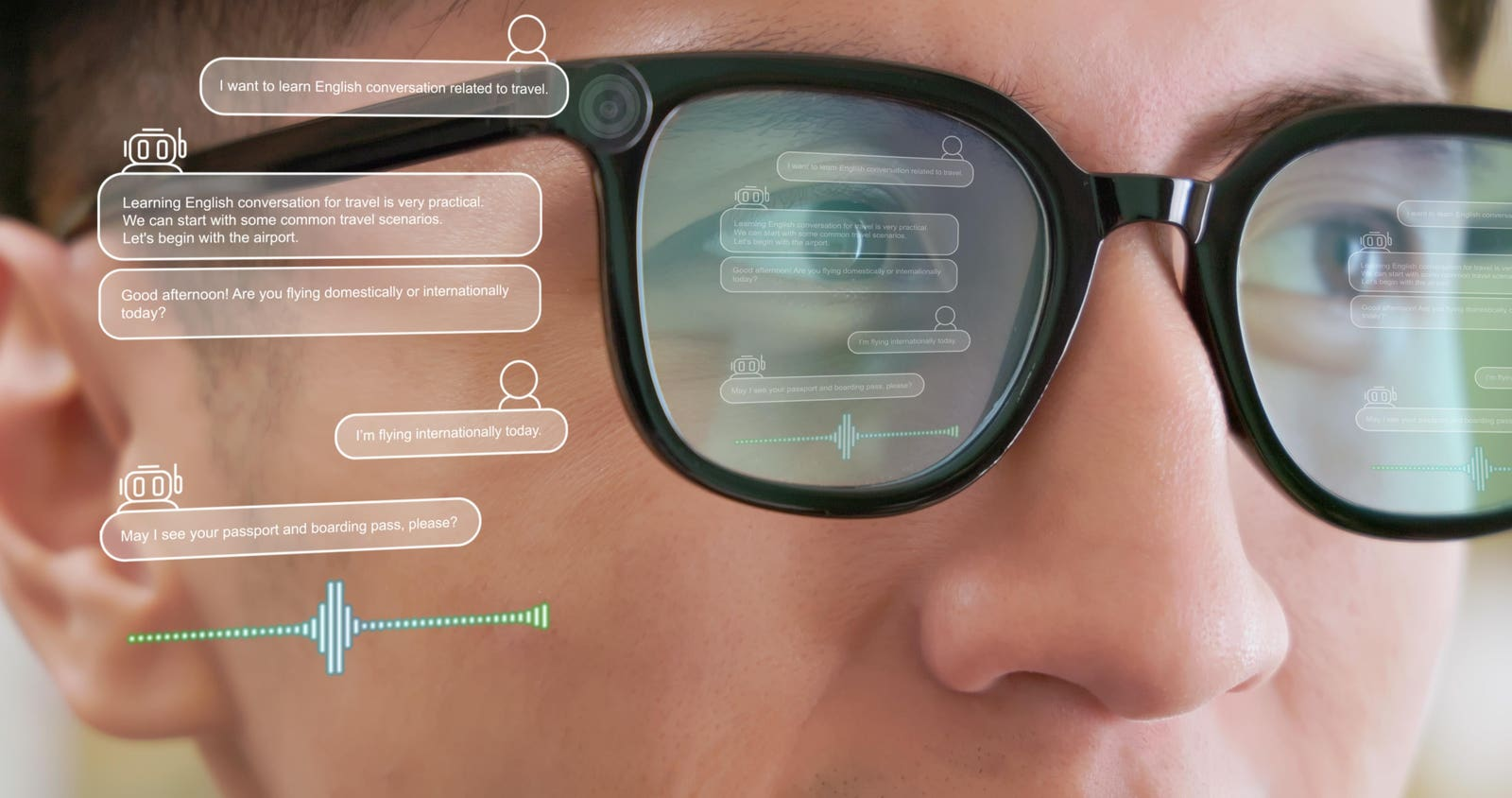
OpenAI has introduced an updated desktop app for ChatGPT, enhancing its usability for multitasking professionals. This new version features a companion window that allows users to interact with ChatGPT while simultaneously using other software. The app is designed to improve workflow, particularly for data analysts and those who rely on visual aids. Users can upload screenshots and local files directly into prompts, making it easier to get tailored assistance. Additionally, the voice-enabled function lets users hear responses while they work on other tasks, enhancing productivity.
Key Features of the Desktop Experience
- The companion window allows for side-by-side interaction with ChatGPT and other applications.
- Users can upload images and screenshots to receive context-specific advice.
- A voice assistant feature enables hands-free interaction, providing advice while users focus on other tasks.
- The app includes a memory setting that helps maintain context across conversations, making back-and-forth discussions smoother.
Significance of the Update
This desktop app marks a significant step for OpenAI, as it caters to the growing demand for AI tools in professional settings. By allowing users to work more efficiently, it encourages the integration of AI into daily tasks. As the app currently only supports Apple devices, its future expansion to Windows will likely broaden its user base. This move is expected to further popularize AI tools in workplaces, enhancing productivity and streamlining workflows for many professionals.