Overview of the New Feature
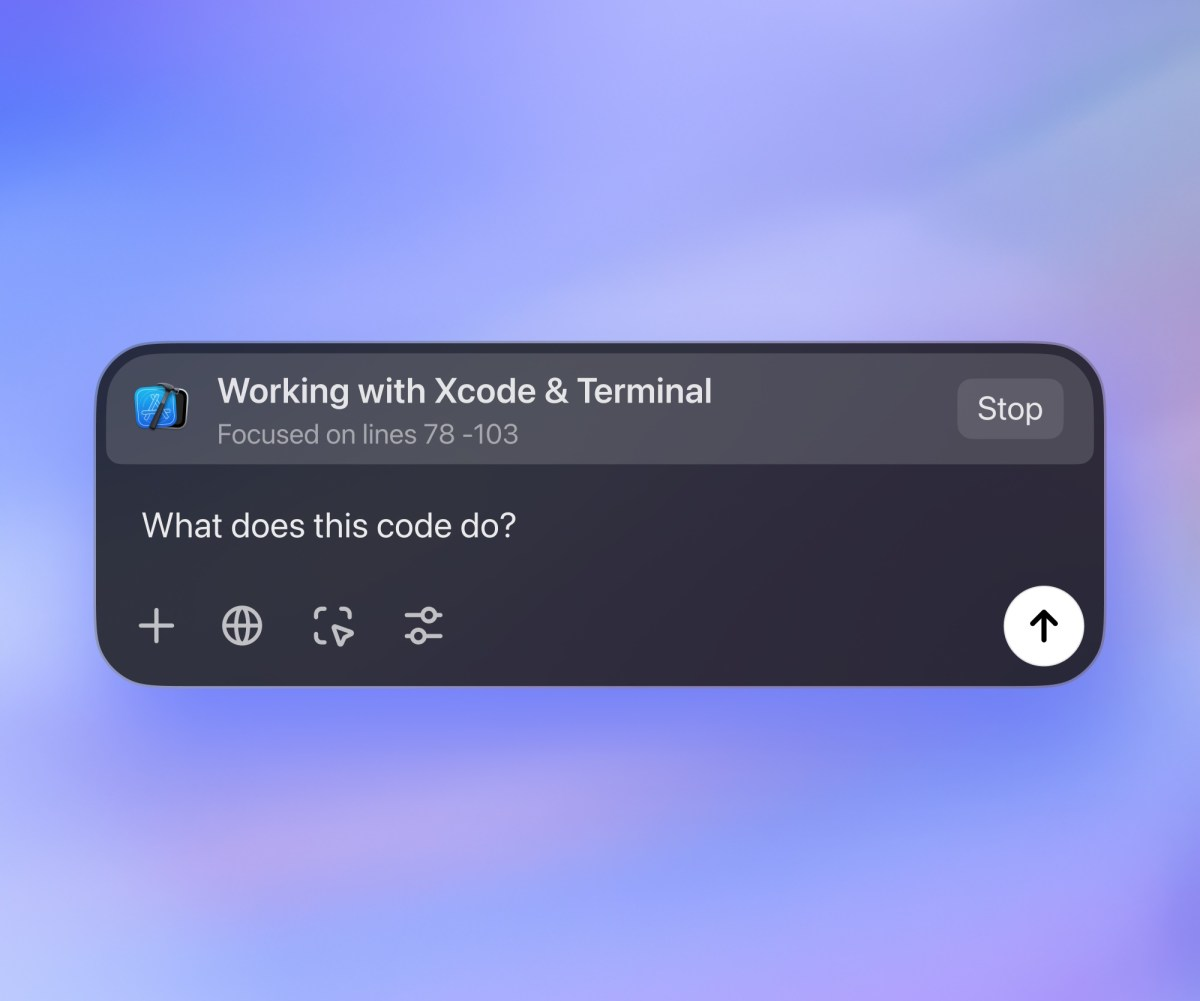
OpenAI has introduced a new feature for its ChatGPT desktop app on MacOS, allowing it to read code from popular coding applications like VS Code, Xcode, and Terminal. This innovation eliminates the need for developers to manually copy and paste their code into ChatGPT. Instead, the app can automatically send the relevant section of code as context to the chatbot. This feature, named Work with Apps, is a crucial step towards creating more advanced AI systems that can interact with various applications on a computer.
Key Details
- The Work with Apps feature is currently available for Plus and Teams users, with plans to extend it to Enterprise and Edu users soon.
- ChatGPT can read the last 200 lines of code or all code in the foremost window of certain apps, providing context for user prompts.
- For some applications, users need to install a special extension to enable this functionality.
- Although ChatGPT can read and understand code, it cannot write directly into the coding environment; users must still manually paste the responses back into their apps.
Significance of the Development
This development marks a significant advancement in how AI can assist developers. By allowing ChatGPT to understand coding environments, it opens up new possibilities for collaboration between humans and AI. The integration of ChatGPT with coding tools could streamline workflows and enhance productivity. Moreover, this feature is seen as a foundational step towards developing more sophisticated AI agents that can operate across various applications. As OpenAI continues to innovate, the potential for AI to become a more integral part of the software development process is growing, paving the way for future enhancements in AI capabilities.