Unlocking the AI Agent Potential
Creating effective PowerPoint presentations can be time-consuming and challenging. Many struggle with proofreading and ensuring clarity in their slides. A solution exists: building an AI agent using OpenAI’s ChatGPT. This agent acts as a digital assistant, helping to review and critique presentations without needing technical skills. The process is straightforward and can save valuable time during preparation for meetings.
Key Steps to Create Your AI Agent
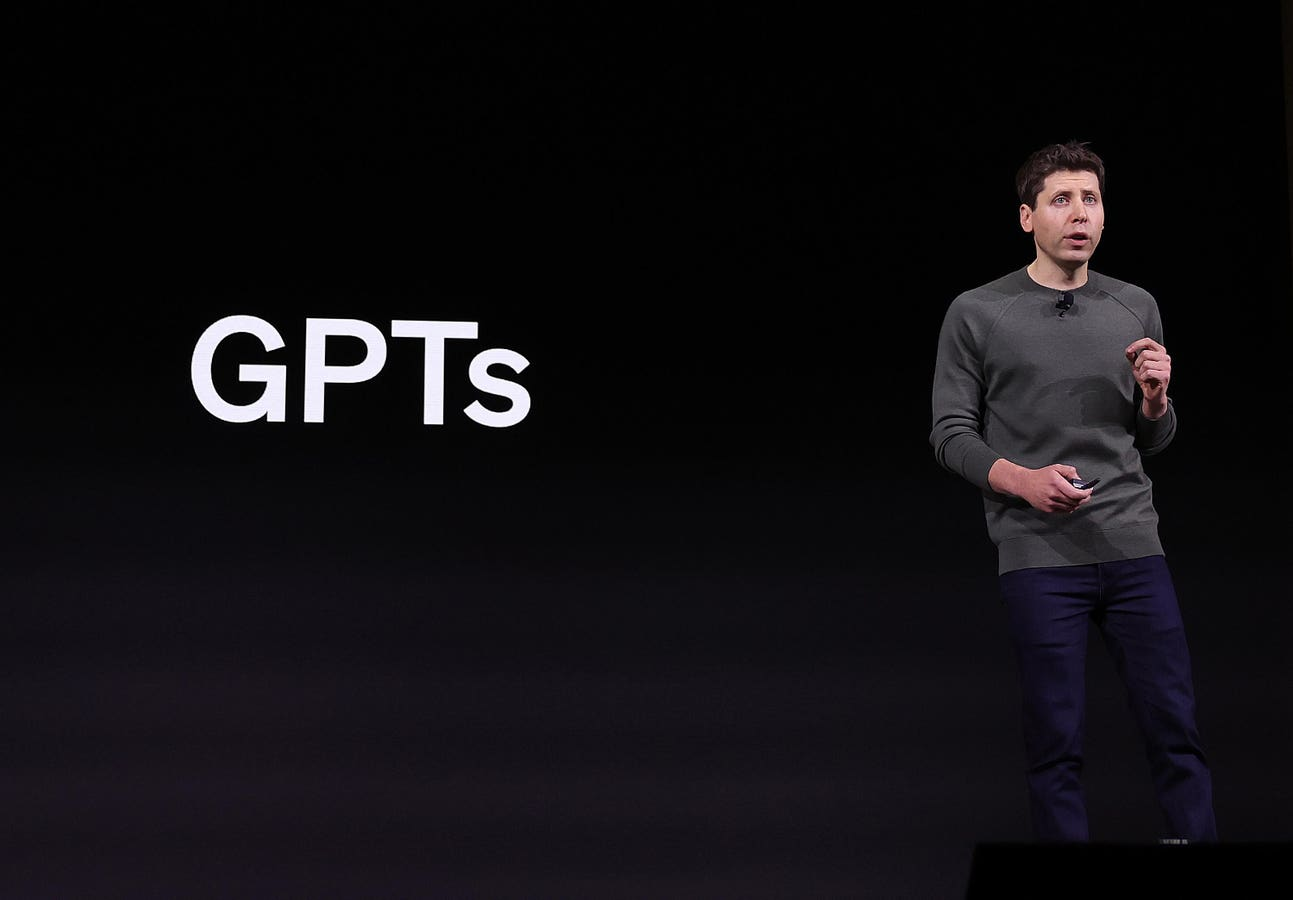
- Start by accessing ChatGPT and locating the “GPTs” section.
- Follow five simple steps: explore the options and create your own GPT.
- Name your agent “Slide Proofreader and Critic” and provide specific instructions for its tasks.
- The agent will proofread slides, check for consistency, and evaluate the overall narrative flow.
- It will also identify potential challenges that executives may pose and suggest data-backed responses.
Why This Matters
In a world where effective communication is crucial, having a reliable tool to enhance presentation quality is invaluable. This AI agent not only improves the clarity of your messages but also boosts your confidence when presenting to high-level audiences. By automating tedious proofreading tasks, users can focus on crafting compelling narratives and strategic insights. This innovation democratizes access to advanced presentation support, making it available to anyone, regardless of their technical background.