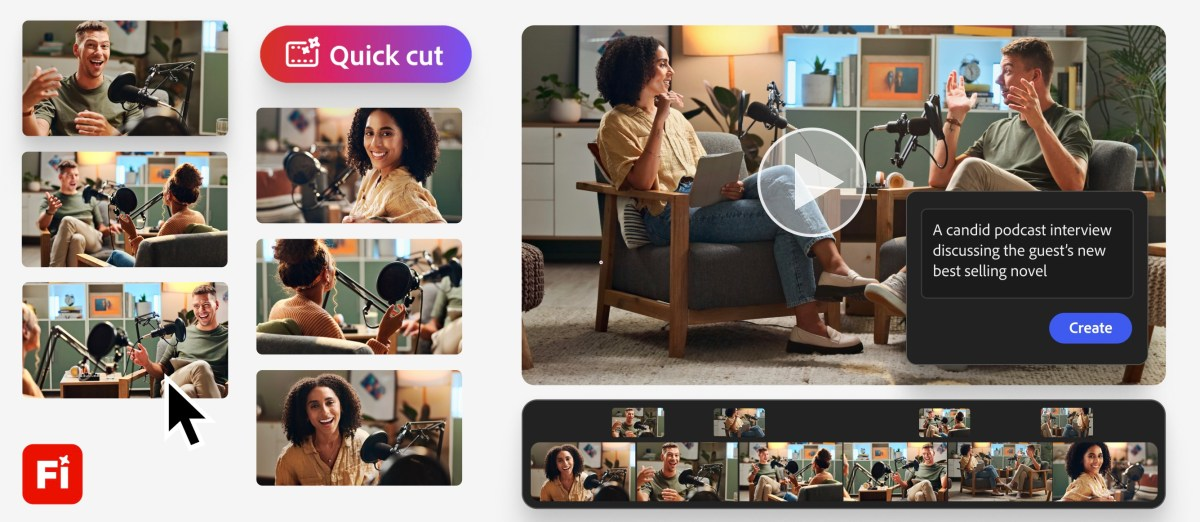
Overview of Quick Cut Feature
Adobe Firefly introduces Quick Cut, an innovative AI feature designed to streamline video editing. This tool allows users to create a first draft of their videos simply by describing their vision in natural language. It automatically edits out unnecessary footage and arranges different takes, making the editing process more efficient. By using Quick Cut, creators can focus more on their storytelling and less on the tedious aspects of video editing.
Key Features of Quick Cut
- Users can upload footage and B-roll, then describe their desired video outcome.
- Quick Cut automatically edits out irrelevant content and arranges clips seamlessly.
- The tool allows for frame selection from B-roll and offers various video models for transitions.
- Users can customize settings like aspect ratio and pacing through a prompt box.
- Quick Cut can be applied to entire projects, specific timelines, or selected clips.
Significance of the Innovation
This new feature addresses a common challenge among creators and marketers: the need for quick turnaround times. By automating the more mundane parts of video editing, Quick Cut enables users to focus on their creative vision. Adobe is committed to enhancing its video editing tools, providing creators with the resources they need to tell their stories effectively and efficiently. The introduction of Quick Cut is a step towards making video production faster and more accessible for everyone.